Contact us today and see how we can help you!
REACH OUT TODAY



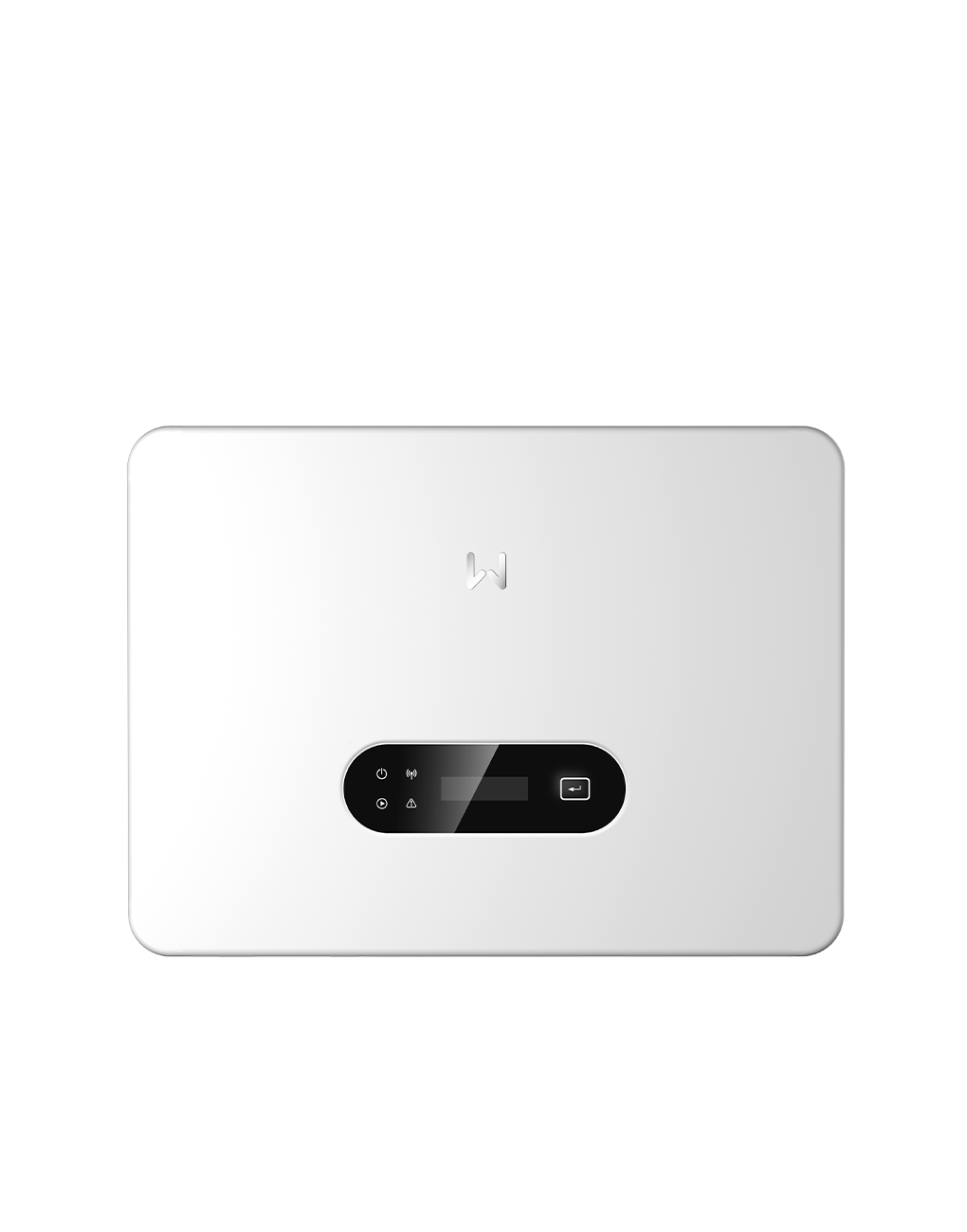
Restarting your GoodWe inverter can resolve communication issues, WiFi dropouts, and minor error codes. It is important to follow the correct shutdown and startup sequence to ensure safety and avoid damaging the system.
1. Turn off the AC isolator
Locate the Solar Supply Main Switch or AC isolator beside your switchboard or inverter.
Switch it OFF.
2. Turn off the DC isolator
Find the DC isolator underneath or next to the inverter, labelled PV Array DC Isolator.
Switch it OFF.
3. Wait 5 minutes
Allow all LEDs and display indicators to turn off completely.
This gives the internal capacitors time to discharge and resets the system fully.
4. Turn the DC isolator ON
Switch the DC isolators back ON.
5. Turn the AC isolator ON
Turn the Solar Inverter Main Switch or AC isolator back ON.
6. Allow the inverter to restart
The inverter will run internal checks and re-establish communication.
After a few minutes, the display or LEDs should show normal operation.
A green power light indicates the inverter is generating.
Tips