Contact us today and see how we can help you!
REACH OUT TODAY



Restarting your inverter can help clear communication issues, WiFi disconnections, or minor faults.
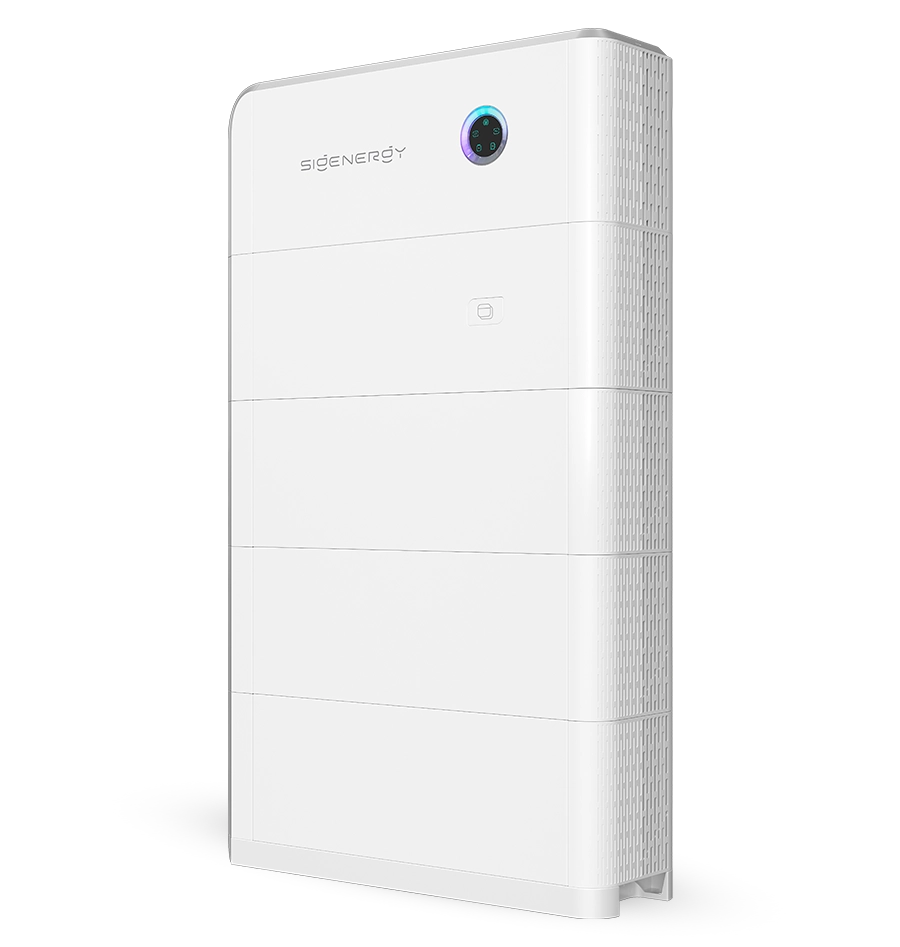
Restarting your SigenStor correctly ensures system stability and protects the battery. Always follow this sequence carefully.
1. Turn off the AC isolator
Locate the “Main Switch Inverter Supply” inside the Sigenergy Gateway.
Switch it to the OFF position to disconnect the AC power supply to the inverter.
Alternatively, if your system has a separate AC isolator mounted on the wall, switch it to the OFF position.
2. Turn OFF the battery switch and DC isolator
Locate the small cover on the left-hand side of the inverter.
Remove the cover by lifting it upwards and away from the inverter.
Inside, locate the red button labelled “Battery Switch”.
Press and hold the Battery Switch for 3 seconds.
Next, turn the switch labelled “DC” to the OFF position.
3. Wait 1–2 minutes
Allow 1–2 minutes for the system to shut down completely.
Ensure all indicator lights and display screens have switched off before proceeding.
4. Turn the DC isolator ON
Switch the DC isolator to the ON position.
Wait approximately 5 seconds.
Press and hold the red Battery Switch for 3 seconds.
5. Turn the AC isolator ON
Return to the AC isolator or the “Main Switch Inverter Supply” inside the Sigenergy Gateway.
Switch it back to the ON position.
If AC isolator is mounted on the wall, switch it to the ON position.
6. Allow the unit to start up
Allow the inverter a few minutes to start up and complete its internal checks.
Wait for the inverter to initialise and re-establish communication with the system.
The display or LED indicators should return to normal operation once the startup process is complete.
7. Verify system operation
Check the inverter’s LED indicators for normal operation and any fault or alarm indications.
Open the mySigen app and confirm that power generation and system communication data are updating correctly.
If a warning or fault reappears after restarting, note the fault code and contact your installer or Sigenergy support for assistance.
Important: If the system does not restart as expected, or you are unsure about any of the switches, stop and contact your installer before proceeding further.